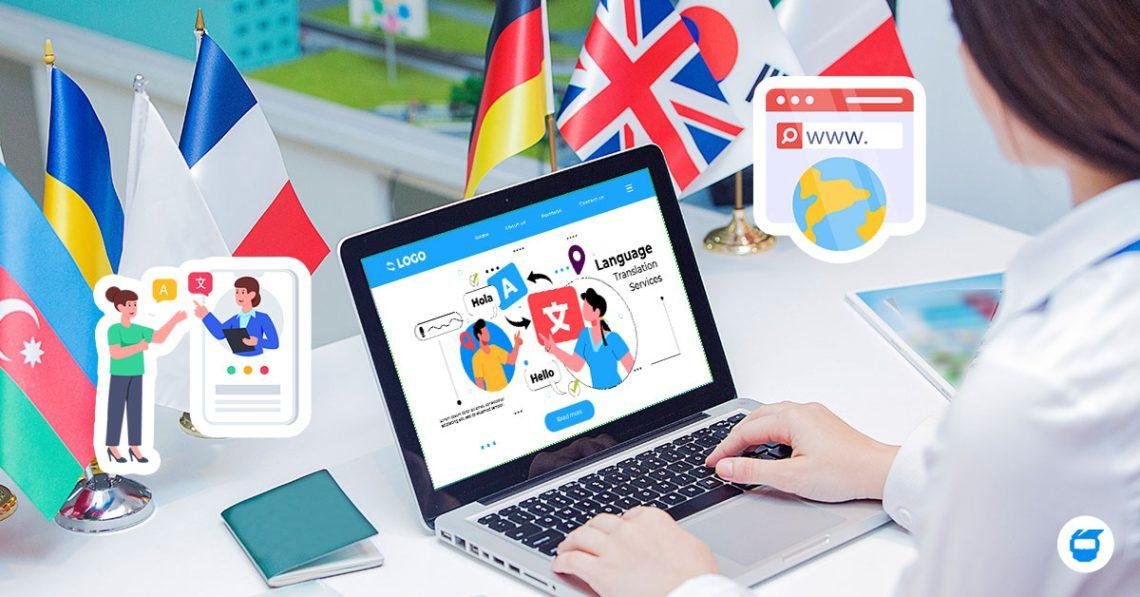
Even though your business may have customers from various countries, language barriers can prevent visitors to understand your services.
A multi-lingual website provides people the chance to browse your web in a language they can understand.
There are a number of different methods to build and maintain multilingual websites in WordPress, such as the use of translation plugins or developing it from scratch.
But translating a homepage is not enough to make a multilingual website successful.
Your Business Could Benefit from Having a Multilingual Website
You may want to consider having a multilingual website for your business.
Having content translated into multiple languages can help make your business more accessible to foreign customers.
For instance, a business that has customers in Germany, France and Italy would be better served if it offered them the information in the languages German, French and Italian.
The visitors can learn about the services, get to know the options and get in touch with the business more easily.
The language approach needed is various based on your target customers and the markets you use.
1. Determine the Languages You Want to Learn
Do some research about the location of your customers and the language they speak.
Don’t clutter up with dozens of languages for no business purpose.
Two or three well-crafted language versions can be a better experience than many poorly translated versions for a small business.
Also take into account your customer support capabilities.
Visitors may reasonably expect enquiries to be understood if you provide the website content in a specific language.
2. Select WordPress Translation Solution
There are multiple WordPress plugins that are available for multilingual content.
Popular choices include WPML, Polylang, and TranslatePress, all having varying workflows.
There are solutions that are based on the management of individual translated pages and there are solutions that offer visual translation interfaces.
When selecting a plugin, keep compatibility in mind, with Elementor, WooCommerce, your theme, and custom fields.
Check on licensing fees and manual translation need.
3. Create a Web Page URL Structure
The URLs for every language version should be straightforward for a multilingual website.
For example:
example.com/en/services/example.com/de/dienstleistungen/example.com/fr/services/
This type of structure can facilitate the management of versions of a language.
It’s also possible to create separate domains and subdomains, depending on the business and technical needs.
Select one sequence of events that will be the same throughout the project.
4. Selecting and Translating the Content of the Main Text
One common pitfall is to change the body text, but not important interface elements.
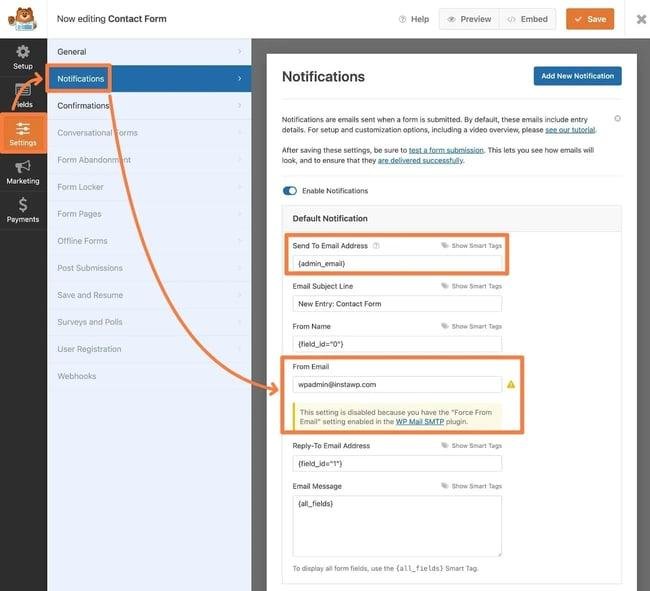
The navigation, forms, buttons, footer, error and confirmation messages should also be available in the chosen language.
If you have a WooCommerce store, take a look at product information, shipping policies, checkout fields, and customer emails.
Partially translated checkout may confuse international customers.
5. Go to the International Settings Section of Review to Check It Out
Search engines need assistance in identifying the appropriate language version for different users.
Properly done hreflang annotations can aid in identifying language or regional variants.
Also, each page should be accompanied by an appropriate canonical URL and translated metadata.
Ensure that language versions are navigable and linked in an obvious language selector.
Avoid re-routing all visitors based on their IP address.
Ease of manual language change for visitors.
6. Check Translations for Correctness
The initial process can be speeded up by machine translation, but it is important to check the important business content.
Specifics to pay attention to are product specifications, service terms, legal information and pricing descriptions.
It is also possible that word for word translation does not represent natural expressions.
Use a fluent reviewer who knows the target audience, if possible.
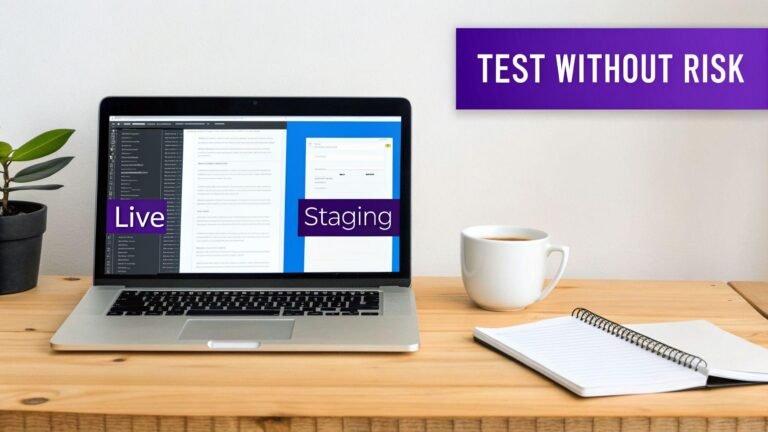
7. Run the Tests on Each Language Version
Ensure navigation, buttons, forms, mobile layouts and key customer journeys are tested prior to launch in every language.
Translated text might be longer or shorter than the original text.
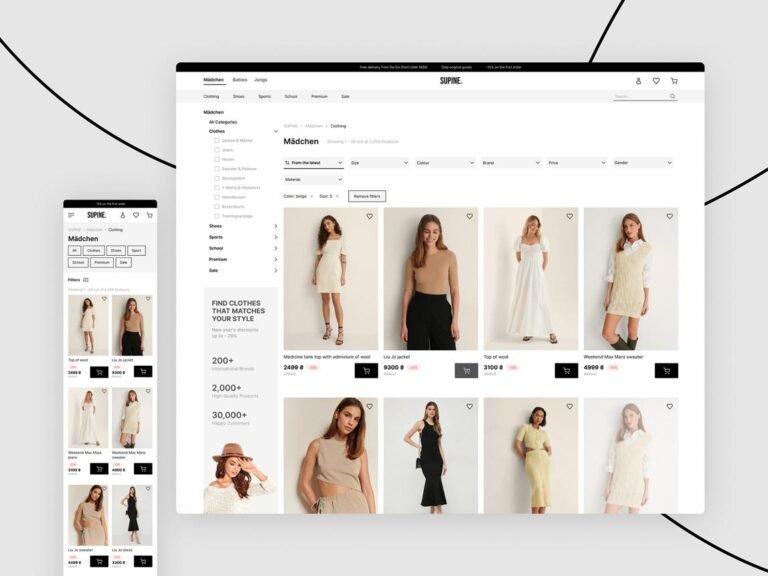
This occasionally leads to buttons overflowing or to headings wrapping in an awkward way.
Don’t assume that one responsive layout will work for all language versions; test each separately.