
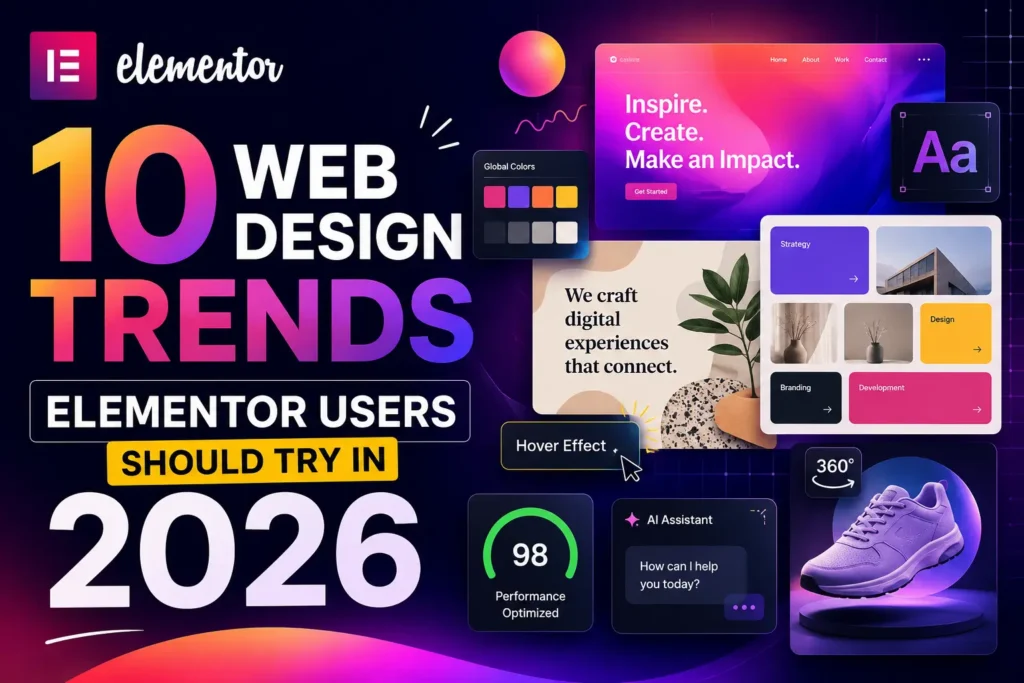
The last few years trained us to expect the web to get faster, smarter, and a little more automated. 2026 is where that automation starts pushing back the other way — designers are using AI to move quicker, but the visual results are getting warmer, bolder, and more human, not less. If 2024–2025 was about proving AI could build a site, 2026 is about proving a person still designed it.
Here are ten trends worth watching this year, along with practical ways to bring each one into your next Elementor project.
1. Bold, Saturated “Dopamine” Color
Muted, minimal palettes are giving way to high-contrast, high-energy color: neon gradients, playful hue pairings, and Y2K-inspired brightness. It’s especially strong in lifestyle, beauty, and youth-focused brands looking to feel alive rather than corporate.
Try it in Elementor: Use the Global Colors panel to set up a bold primary/accent pairing, then apply gradient backgrounds to hero sections and buttons. Keep body copy on a neutral background so the saturation reads as intentional accent, not visual noise.
2. Organic, Anti-Grid Layouts
After a decade of tight grids, layouts are loosening up. Soft curves, flowing section dividers, and asymmetrical compositions are replacing rigid rows and columns — a deliberate move toward something that feels more natural and less machine-made.
Try it in Elementor: Combine the Shape Divider widget with custom-shaped containers and layered flexbox sections to break the straight-line monotony between sections, especially at hero-to-content transitions.
3. Typography as the Main Event
Type is no longer a supporting player. Oversized headlines, custom and variable fonts, and scroll-driven type effects are becoming primary design elements — sometimes replacing hero imagery altogether.
Try it in Elementor: Pair a bold display font from the Typography settings with generous letter-spacing, then use motion effects or entrance animations on headline text so it does more of the storytelling work.
4. Functional Micro-Interactions
Animation in 2026 has a job to do. Instead of decorative flourishes, subtle motion is being used to guide attention, confirm actions, and reduce cognitive load — hover states, loading confirmations, and scroll-triggered reveals that clarify rather than distract.
Try it in Elementor: Use Motion Effects and hover animations sparingly and purposefully — on buttons, form confirmations, and key CTAs — rather than applying them to every element on the page.
5. Bento Grid Layouts
Modular, block-based layouts — popularized by dashboard and app design — are showing up on marketing sites and portfolios. They’re great for scanning dense information at a glance, though they need care on mobile, where multi-column blocks can lose their visual logic if collapsed carelessly.
Try it in Elementor: Build bento sections with nested flexbox containers, and design the mobile breakpoint as its own layout rather than just letting columns stack by default.
6. Accessibility and Inclusive Design as Standard Practice
Accessibility has moved from “nice to have” to baseline expectation. High-contrast color options, screen reader support, keyboard-only navigation, and avoiding manipulative “dark patterns” are increasingly treated as core UX requirements, not compliance checkboxes.
Try it in Elementor: Audit color contrast in your Global Colors, add descriptive alt text and ARIA labels where relevant, and test tab-key navigation through forms and menus before launch.
7. Performance-First, Lightweight Builds
As AI-generated sites flood the web with heavy, templated code, lean, fast-loading sites are becoming a genuine differentiator — both for user experience and for search visibility. Sustainability-minded design (leaner code, optimized assets, efficient hosting) is part of this shift too.
Try it in Elementor: Lean on native flexbox containers instead of stacking extra plugins, compress images before upload, and use the Class Manager and Variable Manager to keep your design system clean and free of unused CSS bloat.
8. Tactile, Textured Surfaces
As flat, AI-polished interfaces become the default look, designers are reintroducing grain overlays, soft shadows, and material-inspired textures to make sites feel crafted and less interchangeable with everything else on the web.
Try it in Elementor: Layer subtle background textures or noise overlays behind hero and section backgrounds, and use soft box-shadows on cards and buttons to add a sense of physical depth without going overboard.
9. Agentic AI and Personalized Experiences
AI on websites is becoming proactive rather than passive — smart chat assistants that handle multi-step requests, content that adapts to user behavior, and personalization that goes beyond a first-name merge tag.
Try it in Elementor: Start small — use AI-assisted layout and content tools inside the Elementor Editor to speed up first drafts, then layer in a chat widget or dynamic content blocks for returning visitors as your comfort level grows.
10. 3D and Immersive Depth
Interactive 3D elements, scroll-triggered animations, and lightweight AR-style previews are moving from novelty to expectation in product-led and lifestyle brands, letting visitors explore before they buy.
Try it in Elementor: Introduce depth gradually — parallax scroll effects and layered image compositions can deliver a lot of the same “immersive” feeling without the performance cost of full 3D/WebGL builds.
Bringing It All Together
None of these trends are meant to be adopted wholesale. The common thread across all ten is intention: bold color used with purpose, animation that clarifies instead of distracts, AI that speeds up your workflow without flattening your brand’s personality. Pick the two or three that genuinely fit your client or project, prototype them in Elementor, and let performance and accessibility stay non-negotiable no matter which aesthetic you choose.
2026 rewards designers who use new tools to say something more human — not less.
Pingback: How Often Should You Redesign Your Website? (Full Guide)