Everyone should find it easy to use a website, including those who use a keyboard to navigate, screen readers or larger text to read comfortably.
When creating a business website using Elementor, accessibility should be a priority. It is not always a good user experience to have a layout that looks good.
The great news is that there are many things you can do that are simple changes to the design that you already have.
What Is Website Accessibility?
Accessibility of a website is about designing and building your website to be accessible to individuals of all abilities.
For instance, visitors should be able to comprehend your material, get to essential pages, and fill out forms without barriers.
Web Content Accessibility Guidelines (WCAG) is a widely adopted set of guidelines to make web content more accessible.
Accessibility also makes users’ navigation easier for many other visitors.
Use Clear Heading Structures: Content should be organized within heading structures.
Headings make it easier for visitors to understand how information is organized.
There should generally be one main H1 heading which gives the main topic of your page. For major sections, use H2 headings and for related subsections, use H3 headings.
Use the right HTML heading tag instead of just picking the headings from their visual appearance, in Elementor.
Text is not necessarily a useful heading if it is written in a large font.
2. Improve Text Readability
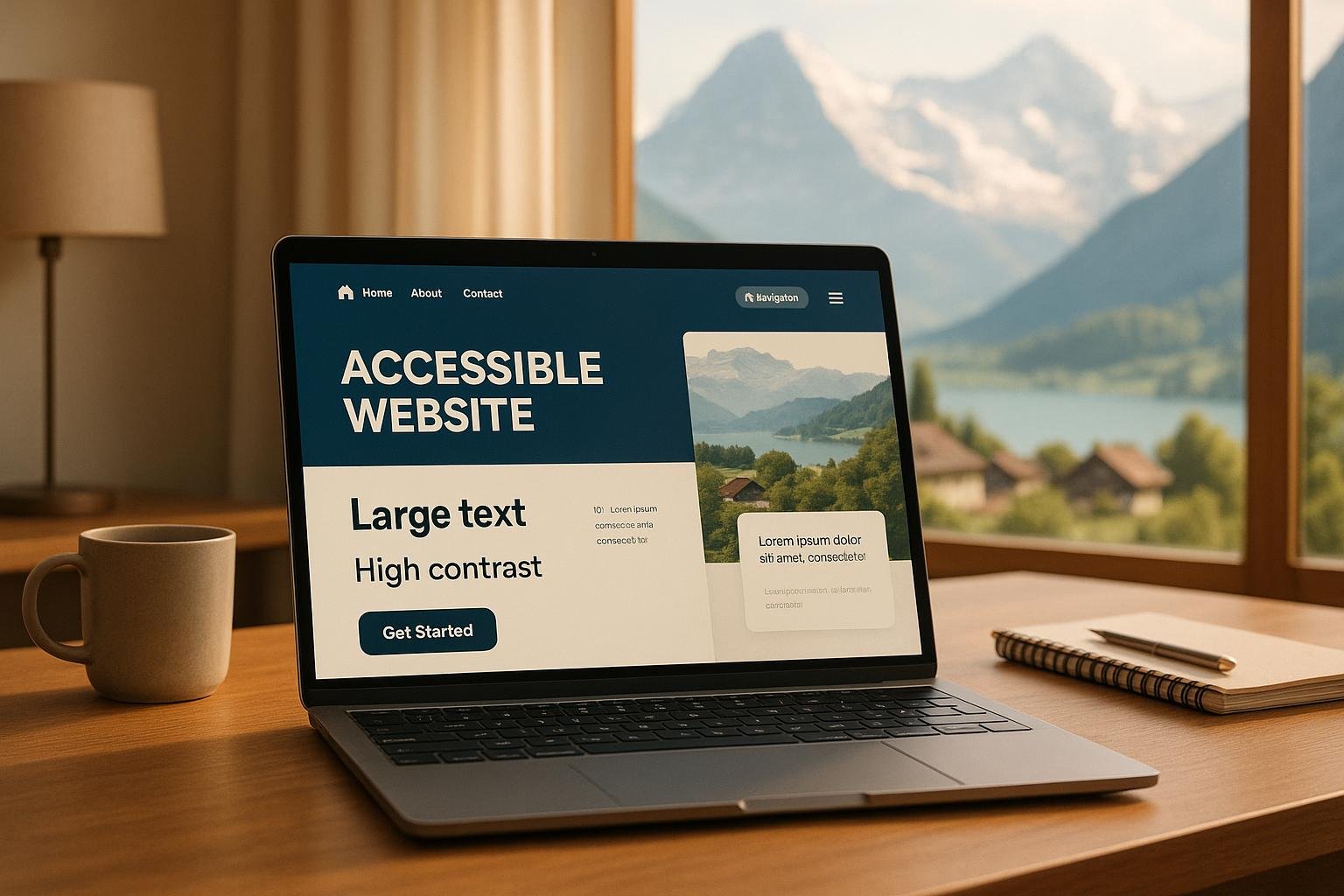
Websites are hard to read if they have small text, are crowded or have poor colour contrast.
Avoid using font sizes that are too small, too large or too close to the background.
Don’t use images with lots of noise and text, unless the background offers contrasting colors.
Verify your design for different screen sizes and zoom levels in the browser.
4. Make sure the message you include in “Alternative Text” is meaningful and not misleading.
Alternative text will describe meaningful images to people with screen readers.
For instance, a photo of a man installing an air conditioning unit in a house could have alternative text that reads “man installing air conditioner in house”.
In most cases, decorative images don’t need ALT attributes.
Try not to duplicate SEO keywords within image descriptions. The goal is to do a job of communicating information.
4. Make Navigation Keyboard-Friendly
Not all people have a mouse.
Some visitors use the Tab, Enter, Escape and arrow keys to navigate a web page.
Use only a keyboard to test your Elementor navigation menus, buttons, popups, and forms.
Significant interactive components must be accessible and be clearly marked.
If a person is not able to press the contact button on your website or close a popup without using a mouse, the website should be improved.
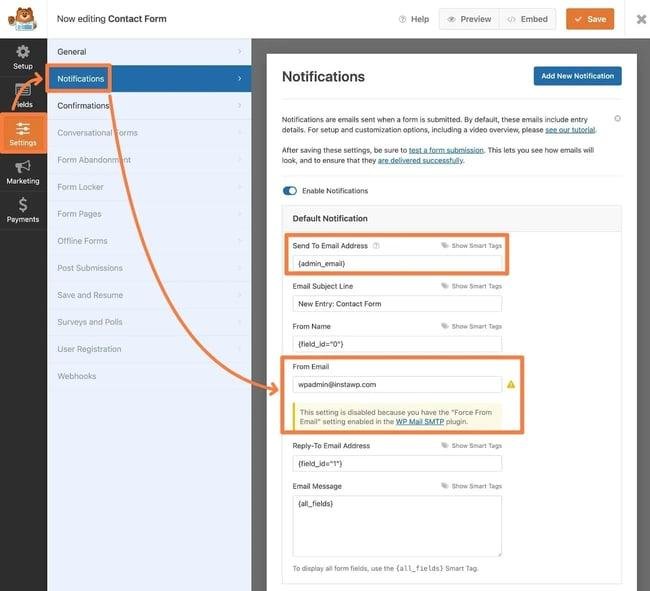
5. Enhance access to Contact Form
One of the most significant features on a business website can be the contact form.
Label all fields. Describe fields that must be entered and give helpful messages if they are missing.
Avoid using only red borders as a means of conveying errors.
Look for confirmation messages that are also available to screen reader users.
6. Review Mobile Accessibility
A website can be perfectly functional on the desktop and not so on mobile devices.
Test to see if buttons are easy to press and text is easy to read without needing to scroll across the screen.
Don’t have too many clickable elements in the same space.
Test menus, forms and booking features on real mobile devices where possible.
7. Test Accessibility Regularly
It is NOT possible to fully test accessibility with a single automated scan.
Several tools, like Lighthouse, axe DevTools and WAVE, can assist with some of the problem identification.
Manual keyboard testing and AT testing, however, are also important.
Check posts, pages, or content changes after big design updates, plugin updates, or new posts.