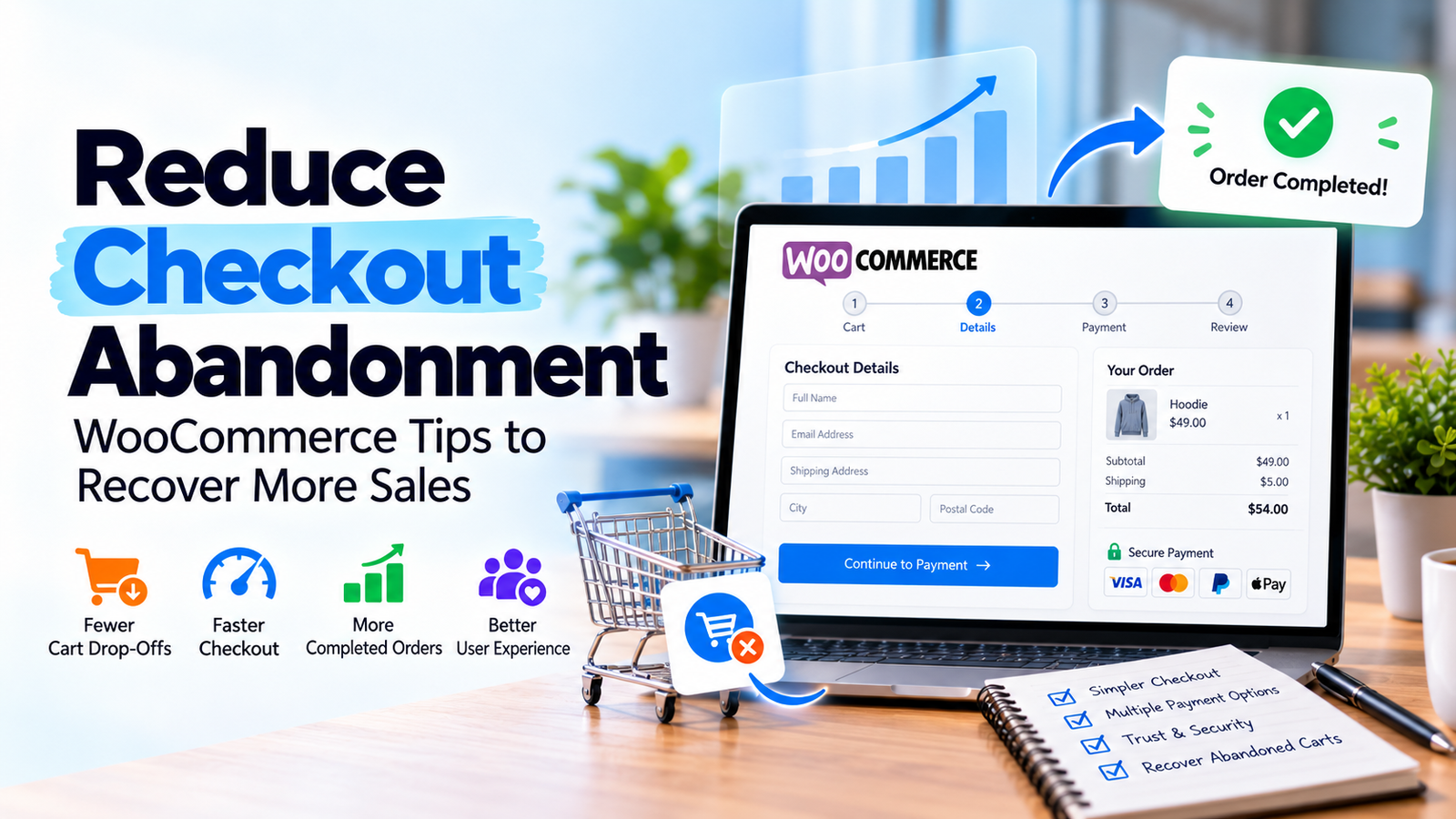
A visitor finds a product, adds it to the cart and reaches checkout. Then they leave without placing an order. For a WooCommerce store owner, that unfinished journey can be frustrating, but immediately adding a discount may hide the real problem.
Some customers are only comparing prices. Others are ready to buy but run into confusing shipping charges, a slow form or a payment that fails. Your first job is to identify which problem is happening on your store.
1. Recreate the complete purchase journey
Open the store in a private browser window on a phone. Select a real product, add it to the cart and continue through checkout. Use a safe test payment method where your gateway supports it.
Record every unexpected step: an account requirement, a coupon box that distracts from payment, a validation message that does not explain the error, or an order confirmation that never arrives. Repeat the test on desktop and with important payment methods.
Do not place an actual paid order unless you have a safe plan to refund or cancel it.
2. Show costs before the final step
Unexpected shipping fees and taxes can change a shopper’s decision. Display shipping policies clearly on product or cart pages, and calculate the final total as early as practical.
If rates depend on location, explain that before customers enter a long set of details. State delivery estimates as estimates, not guarantees, and make the returns policy easy to find.
3. Remove fields you do not actually need
Every unnecessary field adds work. Review your billing and shipping fields and decide whether each is required for payment, fulfillment, fraud prevention or legal compliance.
For a digital product, a shipping address may not be needed. For physical products, an accurate delivery address is essential. Keep descriptive labels visible, mark required fields and make errors easy to correct.
Avoid removing fields blindly: your payment provider, tax settings and delivery workflow may require particular information.
4. Offer appropriate payment options
A buyer may leave because their preferred payment method is missing or fails. Review the payment methods available to your customers’ actual countries and devices. Test gateway configuration, currency settings, webhooks and payment confirmations.
Make sure shoppers can understand whether a payment succeeded. Duplicate charges or missing orders are serious issues that require immediate investigation.
5. Check guest checkout and account creation
Requiring an account can add friction for first-time buyers. Where appropriate for your store, enable guest checkout and offer account creation after purchase.
For subscriptions, memberships or other products that require an account, explain why it is needed and simplify the registration step. The objective is not necessarily to eliminate accounts, but to avoid surprising customers halfway through checkout.
6. Fix checkout problems on mobile
Test on a real phone, not only a resized desktop browser. Check the keyboard type for email and phone fields, dropdown behavior, button size, error messages and the placement of the order summary.
Pop-ups, sticky banners or chat widgets can cover the payment button on small screens. Resolve those collisions before redesigning the entire checkout.
7. Improve speed carefully
Measure checkout performance separately from ordinary content pages. Heavy scripts and third-party widgets can delay interactions. At the same time, caching and optimization settings must not interfere with dynamic cart, checkout or account behavior.
Do not apply aggressive page caching to personalized checkout flows without checking your WooCommerce and hosting configuration. Test after every performance change.
8. Add trust information where decisions happen
Display accurate business contact information, payment explanations, return terms and delivery details near the decision points. Use reviews or trust indicators only when they are authentic and relevant.
Avoid fake countdown timers or invented sales. A clear product page and a predictable checkout are stronger long-term signals than manufactured urgency.
9. Track where visitors stop
Use your analytics setup to distinguish product views, add-to-cart actions, checkout starts and completed purchases. Check that events are not counted twice and that consent settings are respected.
Compare device groups and traffic sources, but avoid drawing conclusions from tiny samples. When the data suggests a problem, reproduce it directly. Analytics tells you where to look; testing helps explain why.
Prioritize fixes by impact
| Symptom | First investigation |
|---|---|
| Customers leave after shipping appears | Total cost and delivery transparency |
| Mobile checkout performs poorly | Forms, overlays, layout and payment methods |
| Payment attempts fail | Gateway settings, logs and order status |
| Many visitors start but few finish | Checkout steps, account requirements and trust |
Make one meaningful improvement at a time, document it and compare the results over an appropriate period. A change that works for one store may not work for another.
Frequently asked questions
What causes WooCommerce checkout abandonment?
Common causes include unexpected fees, complicated forms, limited payment options, technical errors and visitors who are not ready to buy.
Should I use a one-page checkout?
It can help some stores, but it is not automatically better. Test whether customers can understand and complete the purchase more easily.
Do abandoned cart emails solve checkout abandonment?
They may recover some orders, subject to applicable marketing and consent rules. Fix broken checkout experiences first.
How do I know whether the payment gateway is the problem?
Review gateway logs and failed order statuses, then run safe tests across relevant devices and payment methods.