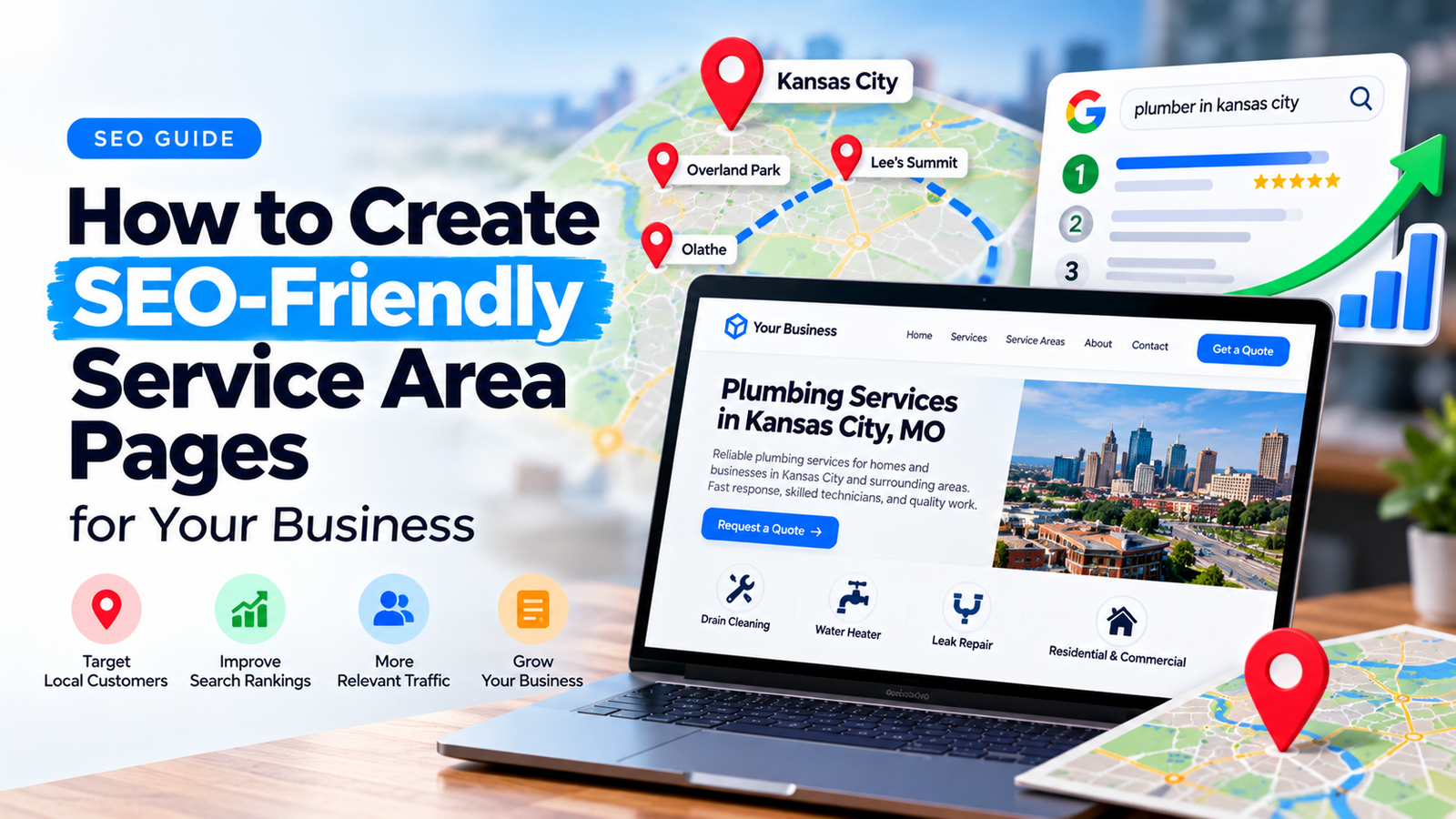
If your business serves multiple cities or neighborhoods, potential customers may search for your services using location-specific terms.
For example, someone looking for roofing services in Overland Park may search differently from a customer in Kansas City.
Service area pages help explain where your business operates and what services are available in each location.
However, publishing dozens of nearly identical pages with different city names is not a reliable SEO strategy.
Effective service area pages need meaningful information, clear navigation, and a useful purpose for visitors.
What Is a Service Area Page?
A service area page is a website page that explains a business’s availability in a particular geographic area.
For example, a home improvement company may have separate pages for cities it genuinely serves.
A typical service area page includes:
- The location served
- Relevant services
- Local service information
- Contact details
- Relevant customer questions
- A clear enquiry option
The goal is to help visitors understand whether the business can help them in their area.
1. Start With Real Service Locations
Before creating pages, confirm where your business actually operates.
Create a list of cities, towns, or regions where your team provides services.
Do not create location pages simply because those cities have attractive search volumes.
A service area page should accurately represent your business.
If your company does not have a physical office in a particular city, avoid suggesting that it does.
2. Research Location-Specific Search Terms
Search behavior varies by industry.
Potential customers might search for:
- Roof repair in Overland Park
- Emergency plumbing in Kansas City
- House cleaning services in Lee’s Summit
- Fence installation in Olathe
Focus on keywords that match genuine services and geographic coverage.
Keyword tools can help identify phrasing, but search volume alone should not determine which pages you create.
Search results and customer intent also matter.
3. Write Unique, Helpful Page Content
Changing the city name throughout one template is not enough.
Each service area page should provide location-relevant value.
Useful information may include:
- Services available in that location
- Whether appointments are offered there
- Actual examples of completed local work
- Relevant travel or scheduling information
- Customer reviews from the area, with permission
- Questions commonly asked by local customers
Do not invent local projects, reviews, offices, or experience.
If you cannot offer genuinely distinct information for a city, a regional service page may be more useful than a separate page.
4. Use a Clear URL Structure
Simple URLs help users understand where they are on your website.
For example:
example.com/service-areas/overland-park/
Or:
example.com/roof-repair-overland-park/
Choose a consistent structure that fits your website.
Avoid changing established URLs unnecessarily.
5. Optimize Titles and Headings
Your page title should clearly describe the service and location.
Example SEO title:
Roof Repair in Overland Park, KS | Company Name
Example H1:
Professional Roof Repair Services in Overland Park
Headings should support the actual content rather than repeat the same keyword unnaturally.
Use descriptive H2 headings for services, customer questions, and the process for requesting help.
6. Add Useful Internal Links
Service area pages should not become isolated pages.
Link them to relevant core service pages and suitable neighboring service area pages when this helps visitors navigate.
For example, a roofing service area page could link to the main Roof Repair page.
You can also link to relevant project pages and genuine local case studies.
Use natural anchor text that describes the destination.
7. Include Clear Contact Information
Visitors should be able to request service without searching through your website.
Useful contact options include:
- Click-to-call phone numbers
- A contact form
- A quote request button
- Relevant booking options
For service businesses, a simple form asking for the customer’s location and requested service can help qualify enquiries.
8. Use Structured Data Carefully
Structured data can help search engines interpret certain business information.
Use business types and properties that accurately describe the organization.
Keep your business name, address, and contact details consistent where applicable.
Do not invent a local address for each city served.
Structured data does not guarantee rich results or higher rankings.
9. Avoid Doorway-Style Location Pages
A common mistake is creating many nearly identical pages targeting different cities, with all pages directing visitors to the same generic destination.
Google identifies doorway abuse as a spam practice.
A useful location page should genuinely help people in that area, rather than exist only to capture a keyword variation.
Prioritize quality and usefulness over the number of pages published.
10. Measure Results
After publishing, monitor relevant performance indicators.
Google Search Console can help you examine search queries, impressions, clicks, and indexing.
Google Analytics can help you review engagement and completed actions when correctly configured.
Do not judge a location page only by traffic.
Qualified enquiries, calls, and bookings are often more meaningful business outcomes.
Build a Better Local SEO Structure
At Elementor Team, we help businesses organize their WordPress websites around services, locations, and customer needs.
Our SEO Optimization Services can help improve site structure, internal linking, and important service pages.
Frequently Asked Questions
Do service area pages help local SEO?
Useful, location-relevant pages can help a website address local search intent. Their performance depends on content quality, competition, relevance, and other factors.
Should every city have a separate page?
No. Create separate pages when you can provide meaningful information for that specific location.
Can I use the same template for every service area page?
Yes, a consistent design template is fine. The content should still provide genuine value for the individual location.
Do I need a physical office in every service area?
No. Businesses can explain where they provide services without claiming to operate a physical office in every location.