Your website may look outdated, load slowly, or fail to generate enough enquiries.
But does that mean you need an entirely new website?
Not necessarily.
Many business owners assume that replacing their website is the best way to solve performance and design problems. In reality, some websites only need targeted improvements.
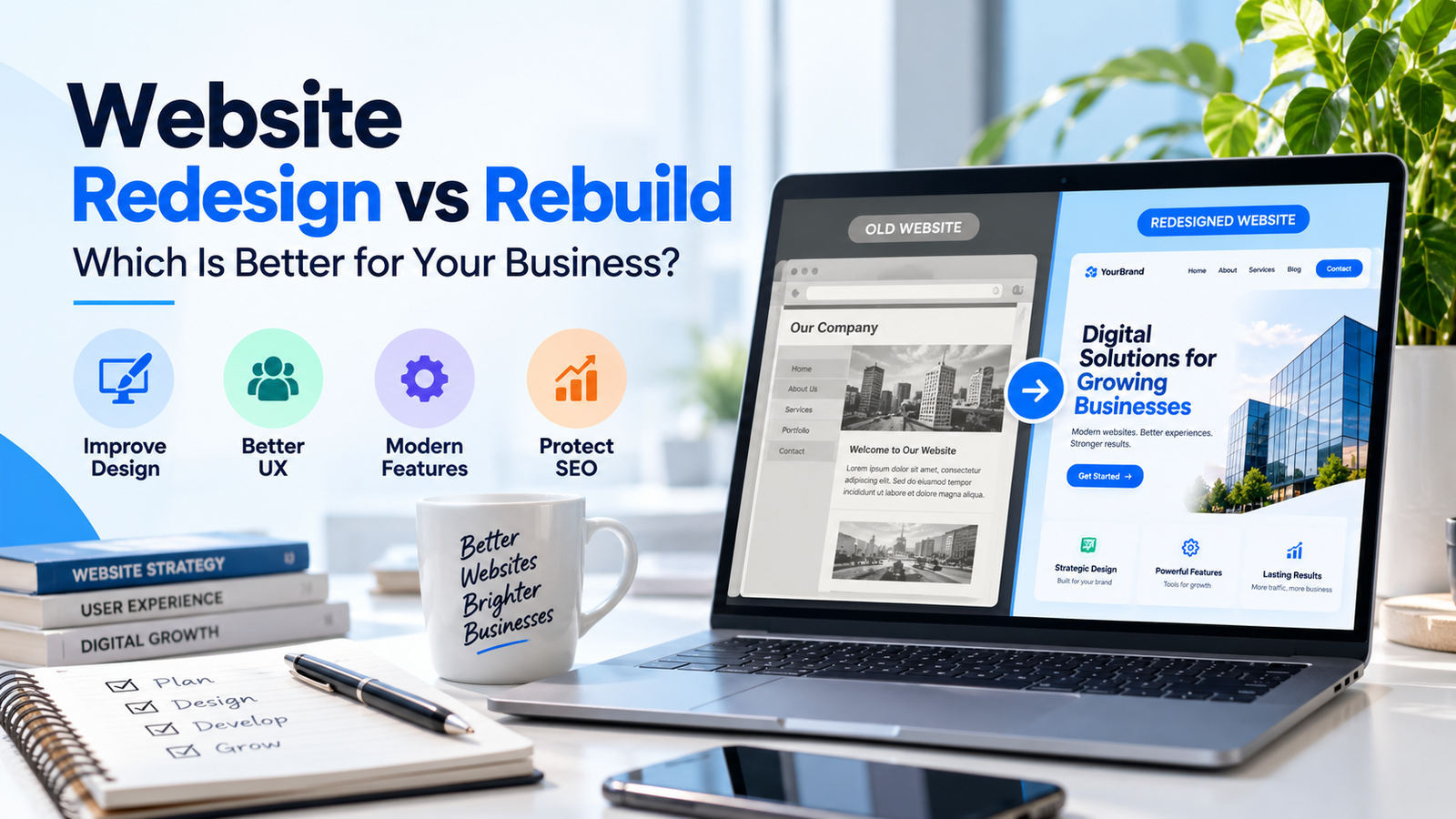
Understanding the difference between a website redesign and a rebuild can help you make a better investment.
What Is a Website Redesign?
A website redesign improves the appearance, structure, and usability of an existing website.
The underlying content management system and much of the existing functionality may remain in place.
Typical redesign improvements include:
Updating colors and typography
Improving homepage layout
Simplifying navigation
Improving mobile responsiveness
Reorganizing service pages
Adding stronger calls to action
Improving forms and user journeys
A redesign is often appropriate when the website’s technical foundation is still reliable.
What Is a Website Rebuild?
A website rebuild involves reconstructing significant parts of the website.
This may include replacing the theme, page builder, templates, database structure, or even the platform.
A rebuild may be necessary when a website has serious structural limitations or cannot support required functionality.
For example, a growing business may need to replace an inflexible custom website with WordPress and WooCommerce.
Website Redesign vs Rebuild: Key Differences
Factor
Redesign
Rebuild
Main purpose
Improve an existing website
Reconstruct the website
Existing structure
Often retained
May be replaced
Development work
Usually more targeted
Usually more extensive
Content migration
Sometimes limited
Often significant
Technical risk
Depends on changes
Often higher
SEO planning
Important
Especially important
Neither approach is automatically better. The correct choice depends on your current website and business goals.
5 Signs You Need a Redesign
- Your Website Looks Outdated
An old visual design can make a modern business appear less professional.
Refreshing typography, layouts, colors, and imagery may be enough.
- Visitors Struggle to Find Information
Confusing navigation can make it difficult for visitors to locate services or contact details.
A clearer information structure can improve the experience without replacing the platform.
- Mobile Layouts Need Improvement
If your website works well on desktop but poorly on mobile, responsive adjustments may solve the issue.
- Your Calls to Action Are Weak
Visitors should understand what to do next.
Adding clear enquiry buttons, booking links, and relevant contact forms can make the website easier to use.
- Your Core Technology Still Works
If WordPress, your theme, and essential plugins are supported and manageable, rebuilding may add unnecessary cost.
5 Signs a Rebuild May Be Better
- Your Website Uses Unsupported Technology
An outdated system may create ongoing compatibility or security problems.
- Basic Changes Are Difficult
If updating a simple page requires substantial custom development, the underlying architecture may be restrictive.
- The Website Has Major Structural Problems
Inconsistent templates, duplicated content, and poorly organized features can make maintenance expensive.
- You Need Complex New Functionality
A new membership portal, eCommerce system, or advanced booking process may justify significant rebuilding.
- Repeated Fixes Are Becoming Expensive
If every update breaks something else, rebuilding on a cleaner foundation may provide better long-term value.
What Happens to SEO During a Redesign or Rebuild?
Both approaches can affect search visibility.
Before making changes, document existing URLs, ranking pages, internal links, and organic traffic.
Preserve valuable page content where appropriate.
If URLs change, plan relevant permanent redirects and update internal links.
After launch, check indexing, canonical tags, XML sitemaps, and Google Search Console.
A rebuild does not automatically improve SEO. Without careful planning, it can cause existing pages to lose visibility.
How to Decide
Start with a technical and content audit.
Ask:
Does the current website support our business goals?
Can the main problems be solved within the current system?
What functionality is missing?
Are there security or maintenance concerns?
How much existing SEO value needs protection?
Compare the cost and risk of targeted improvements with the cost and risk of rebuilding.
Choose the approach that solves the underlying problems rather than the one that simply looks more dramatic.
Get Professional Website Redesign Help
At Elementor Team, we help businesses improve existing websites and plan WordPress rebuilds.
Our Website Redesign Service focuses on understanding what already works before recommending changes.
Contact our team to discuss your website and the improvements you need.
Frequently Asked Questions
Is rebuilding a website more expensive than redesigning it?
Often, but not always. The total cost depends on the website’s size, integrations, content, and technical condition.
Can I redesign my WordPress website without losing content?
Yes. Existing content can often be retained, although templates and page structures may need adjustments.
Will a website redesign affect Google rankings?
It can, especially when URLs, content, internal links, or technical settings change. Careful SEO planning reduces avoidable risks.
How often should a business redesign its website?
There is no fixed schedule. Redesign when measurable business needs, user experience problems, or outdated technology justify the investment.