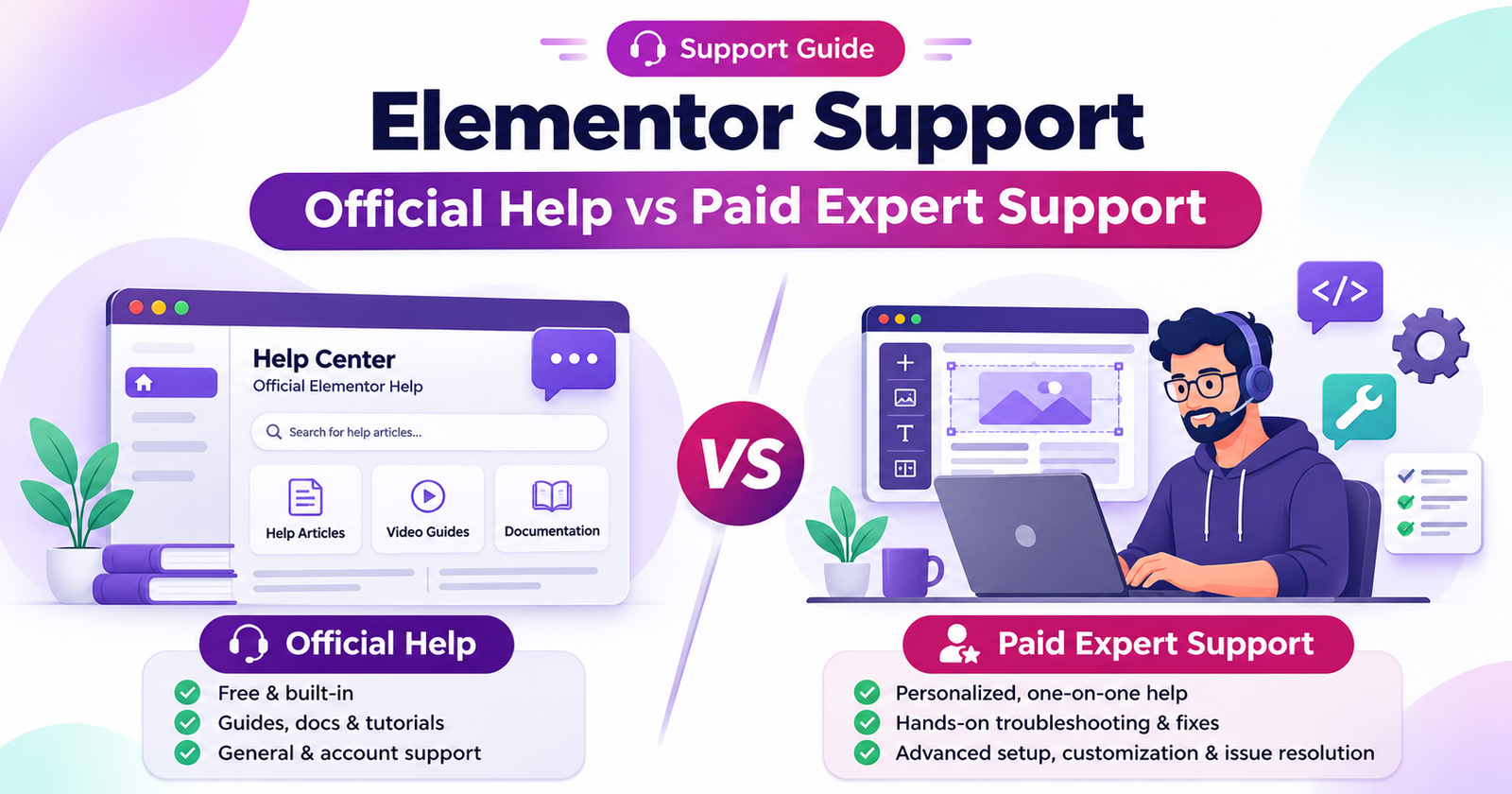
You create a page in Elementor and the editor continues to spin. Or you update a plugin and the form for contacts ceases to send out enquiries. Both are like Elementor issues, but they may require various types of assistance. Official Elementor support assists you in using and troubleshooting Elementor’s products. An independent developer is able to hunt down the issue on your WordPress website, theme, add-ons and host, and make the fix.
If the problem is related to any Elementor feature or licence, begin with the official support. If customers are impacted or you require someone to keep the site functioning in the long-term, find a developer who will be ready to accept responsibility.
What Official Elementor Support Covers
- Who can get it. For Elementor Pro users, there is official support to handle their subscription. In the free plugin, go to the Help Center and forums. GitHub is suitable for reporting a reproducible product bug. Review current terms and contact information of Elementor before making a request.
- What they can help with. Seek information about a widget or a setting, unexpected behaviour in Elementor itself, or billing, account and licence problems.
- What is typically required from someone else. Most of the time, building pages, custom CSS or custom code, fixing third party add-on, changing your theme, optimizing your site for SEO or speed requires a developer. If you are using Elementor Hosting, then you should first check what is included in your hosting plan before seeking other services to assist you with your server.
What to Include in a Support Ticket
Attach the affected page, what you hoped to see, steps that cause the problem and a screen shot or short video recording. Mention the recent change, for instance a plugin update or PHP version change. Attach Elementor’s System Info through the private support channel. If it was tested in Safe Mode, state what happened when it was opened again.
Elementor’s official support contact instructions
Seven Quick Checks Before Asking for Elementor Help
Begin with the checks that match your symptoms. While collecting information, if the entire site is down or if the checkout and lead forms are not working then contact your host or developer. Make a complete backup prior to setting up different options or plugin versions.
1. Clear caches. Clear the WordPress caching plugin, host cache and CDN, if you’re using any of them. Open the public page in a private browser window to view the public’s view.
2. Regenerate Elementor’s files. Go to Elementor > Editor > Tools > General. Click on Clear Files & Data, and save. For older installations, you can see a button named Regenerate Files & Data or Regenerate CSS & Data on the side of the Elementor > Tools menu. This can be useful when pages lose styling following an update.
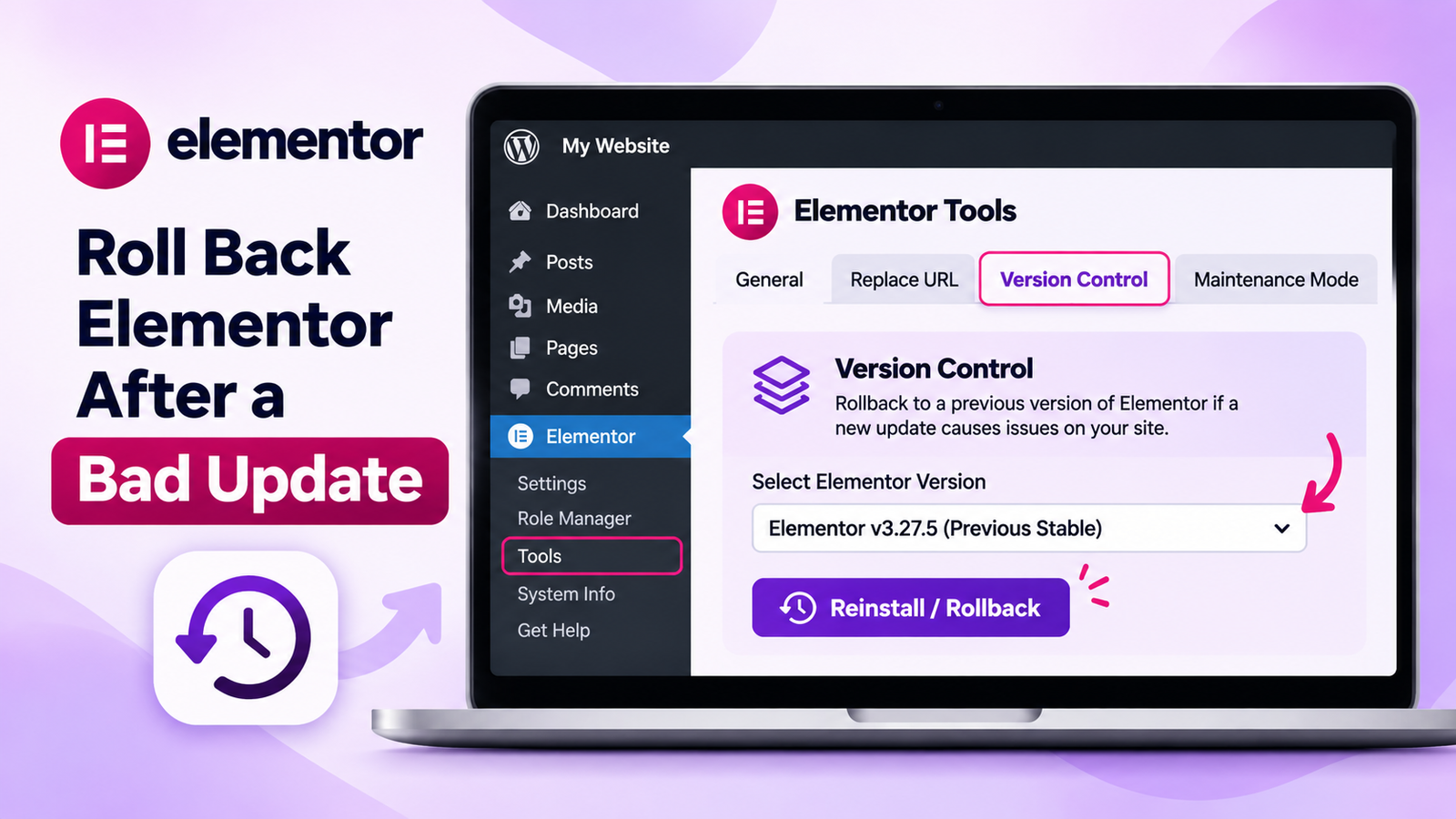
3. Test editor in Safe Mode. Go to Elementor > Editor > Tools > General and enable the Safe Mode. Open the impacted page in the editor. If it loads, it could be a plugin or theme, or an Elementor experiment. The editor session is tested with Safe Mode. When tested, turn it off. Elementor’s Safe Mode guide
[IMAGE: Safe Mode setting in Elementor Tools | Alt text: Elementor Safe Mode to test plugin conflicts]
4. Check your system information. To see System Info, go to Elementor > Editor > System. In the older versions, it is listed as Elementor > System Info. Take note of PHP version, memory limits and installed versions of Elementor so support can compare your setup with the requirements.
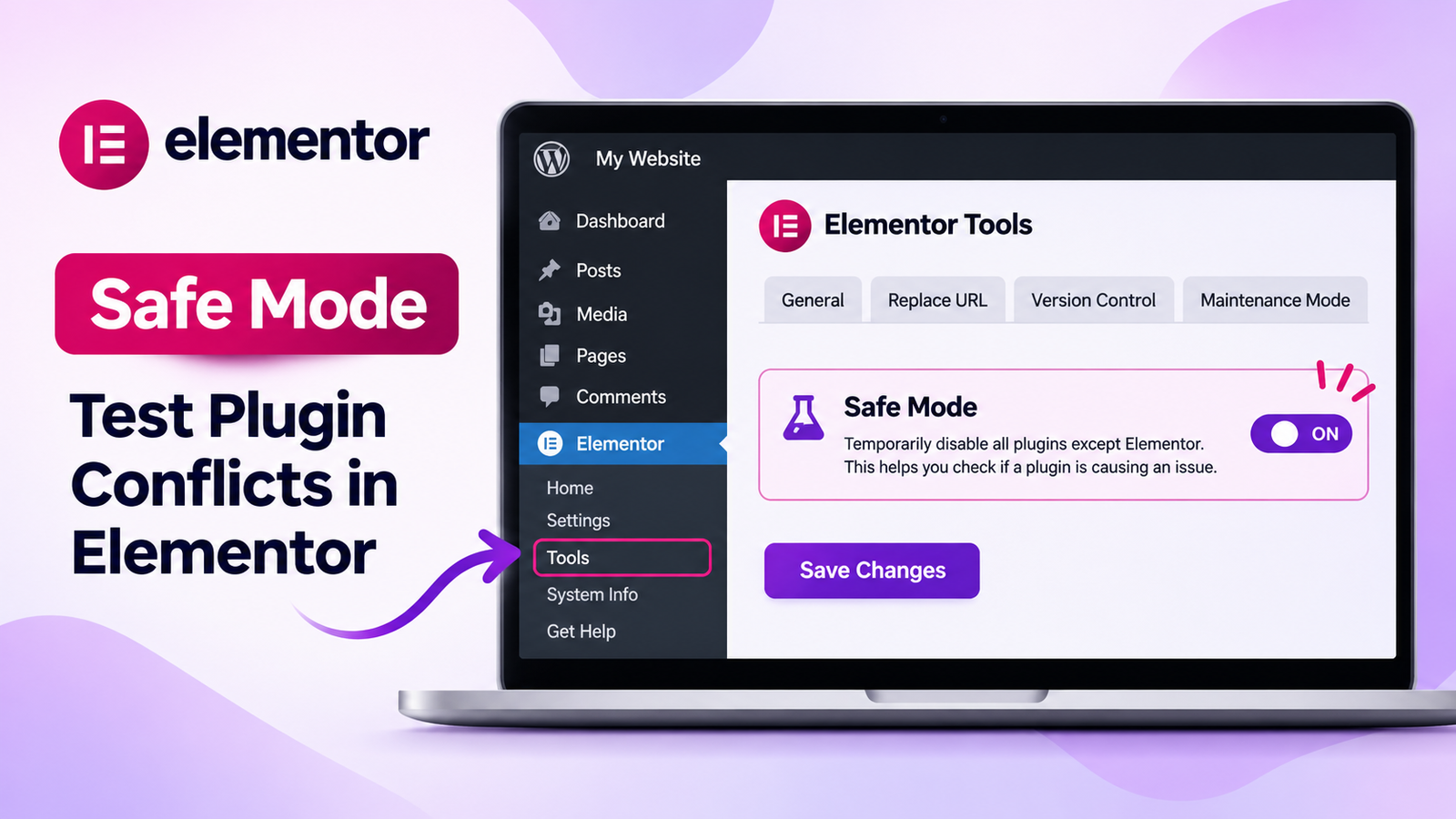
5. Test a rollback if the problem began after an update. When staging, go to Elementor > Editor > Tools > Version Control. Select the older version of the plugin you’ve upgraded and click on the reinstall button. Check that Elementor and Elementor Pro are compatible on staging before using those versions on the live site. Use the rollback as a short-term solution.
6. Isolate new plugins or add-ons on staging. Switch one off at a time and repeat the action that causes the problem. If the problem goes away, turn that plugin back on and check whether it returns. This will allow you to report an actual conflict.
7. Look in the browser console. Open your browser’s developer tools, select Console and reload the page. Make a note of the first relevant error, and of which script or request failed. Share it in a private manner and exclude credentials or customer information.
If it is a timing to an update, then follow our guide on how to fix an Elementor website that was broken due to an update.
When Paid Elementor Support Makes Sense
- The site is not performing as well as it should. The developer can review the error logs, hosting configuration and recent changes, and then confirm that visitors are able to perform the task being affected.
- There is a theme or add-on conflict that keeps recurring. A developer can make a copy on staging and determine what component has to be changed.
- You require a modified design or special features. Someone who can build and test them for you on your site is needed for template work and integrations and responsive fixes.
- Slow key pages. WordPress speed optimization can detect if images, scripts, caching or hosting is slowing down the page.
- You suspect that the site has been hacked. Begin by running hacked WordPress recovery to learn what to clean and how the site was hacked.
- You’re moving the site. A developer can check the destination, make any necessary changes to the URLs, and prepare for the transition to the new host/domain.
- The checkout of WooCommerce is not working. Payments and shipping may not work at various stages and order emails may not reach at various stages; test the full order process after the fix.
- You will require an owner of the work. When you don’t have anybody on your staff to look into, WordPress support and fixes can provide you with a clear picture of the issue.
Types of Paid Elementor Support
| Option | Best for | How it is priced | What to check |
| One-off fix | One problem, such as a broken form or template | Fixed quote once the scope is clear | Ask whether diagnosis, testing and going live are included. |
| Hourly help or a block of hours | Small edits and intermittent issues | Hourly rate or prepaid block | Ask how time is tracked and when prepaid hours expire. |
| Monthly maintenance plan | Updates, backups, monitoring and routine care | Monthly fee for agreed work | Check the allowance for edits, emergency help and work outside the plan. |
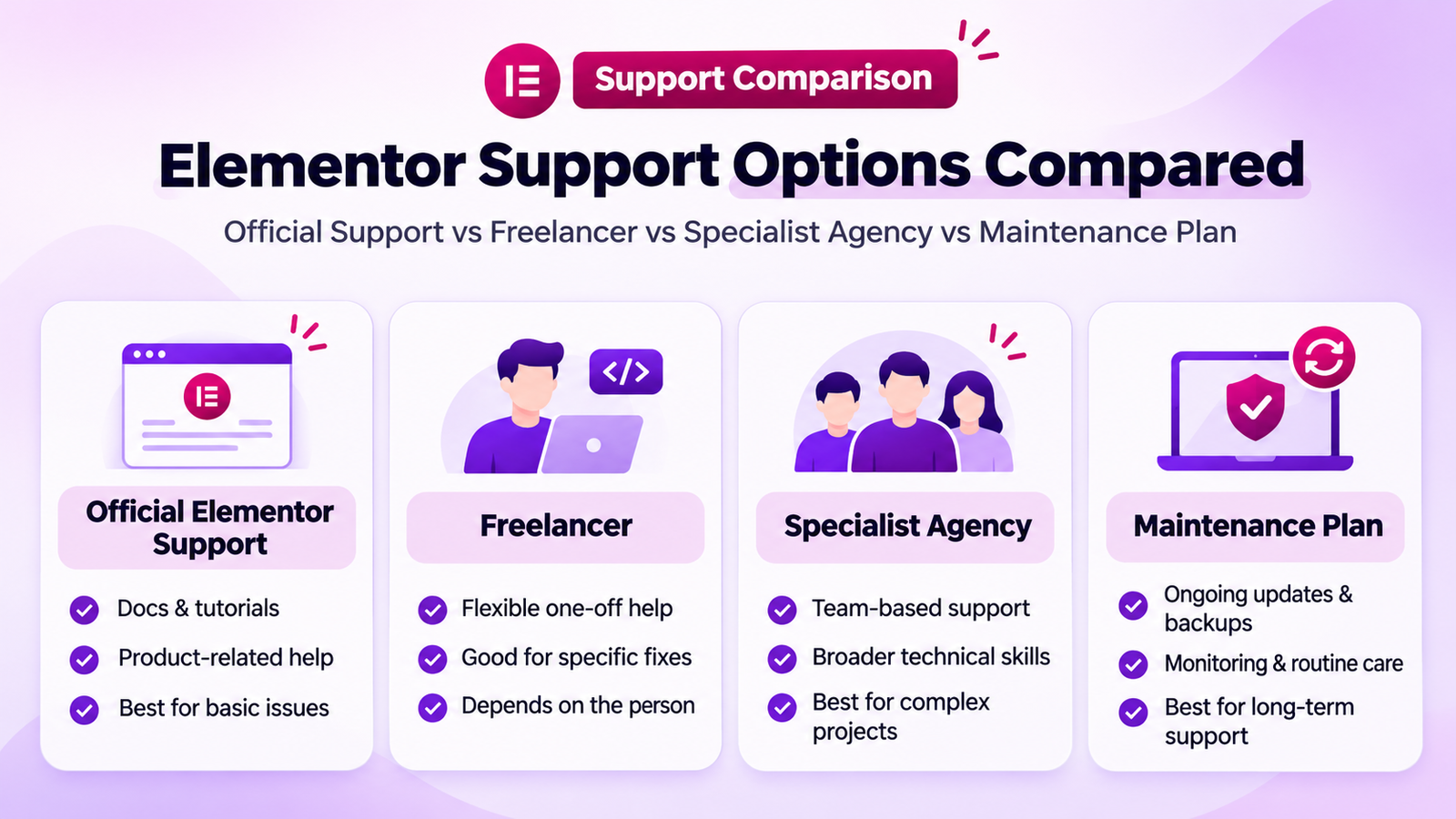
A freelancer marketplace will provide you a number of profiles and quotes to match, but it is important to understand that this is dependent on the individual you choose to hire. You can expect a specialist agency to provide more than one person to do the job, but verify who will be making the changes and following up. When both scope and point of contact are clearly defined, both will be suitable.
What Affects the Cost of Elementor Support
Urgency can impact on the quote if there is a down checkout or lead form. The amount of code to test varies depending on the size of the site, number of plugins, add-ons and custom code. For WooCommerce and memberships, it’s also important to have order and payment/membership checks.
Recent backup and usable staging copy will reduce setup times. Inquire if the diagnosis will charge an additional fee, what the quote includes, and what the provider will do if it is determined that it is not what you reported. If you are looking for a continuous care, then compare the tasks and response terms you included with the monthly fee.
Our pricing
- One-off fix [OUR ONE-OFF FIX PRICE]
- Hourly support [OUR HOURLY RATE]
- Monthly maintenance [OUR MONTHLY PLAN PRICE]
What a Good Elementor Maintenance Plan Includes
- All WordPress, theme and Elementor and Add-on updates tested on staging.
- Daily offsite backups with a well-defined recovery plan.
- Uptime/security monitoring and regular malware scans.
- Speed tests of the pages with the most use.
- A stated allowance for minor content edits.
- Monthly report of changes, problems and open work.
- Emergency response terms – who to contact and when.
Make large changes to staging before implementing them. For instance, if you are using our Elementor Editor V4 Migration Guide, test templates, layouts, mobile style and forms using your actual theme and add-ons. If you’re looking for a continuous service, visit our WordPress maintenance and support plans.
How to Choose an Elementor Expert
- Will you back up the site and work on staging first?
- Can you show me similar Elementor work you’ve done?
- Do you charge a fixed price or by the hour? What are your criteria for approving extra work?
- How fast do you respond to requests and what do you do after work hours?
- Will I retain full control over the site and hosting, and have full access to the web hosting accounts?
Don’t do anything if the provider wants to delete the main site without showing you a backup, is unclear on prices, or wants to rebuild the whole site before fixing up a minor bug in the live site. Create a separate account with necessary permission for accessing the work.
How Our Elementor Support Works
1. Provide the URL of your site, explain the problem and when it began.
2. We review the request and provide a fixed quote which includes details of the nature of work.
3. We apply the change on staging and test the pages or actions we are changing.
4. We deploy the fix and then test it again and describe the changes.
Request help with a WordPress support and fixes service for a particular issue or inquire into a maintenance plan to get ongoing support.
Frequently Asked Questions
Does Elementor offer free support?
Yes. For the free plugin, head over to Elementor’s Help Center and community support forum. Look for the same error and see if the instructions correspond to your plugin version? Report a product bug that is reproducible using GitHub. If you need to pay for help with a product, check the contact options available at Elementor.
Does Elementor Pro include support?
Yes. Elementor Pro users can reach out to Elementor for assistance in using its products and features. If a widget performs an unexpected behavior, report the same steps and your site’s System Info. Review the Elementor Support Terms and Conditions for the services covered and how to get in touch with the team.
Will Elementor support fix problems caused by other plugins?
Typically, this is the plugin’s vendor that will make code fixes. If there is any issue, you can contact Elementor support and find out if the problem is related to Elementor. If it only manifests itself if two plugins are used at the same time, a developer can test the combination and inform each vendor in detail about the failure.
How much does Elementor support cost?
Elementor support needs vary based on the tasks you’re tackling and whether you need assistance from an independent support team. A defined fix can have a fixed quote, small changes can be charged hourly, and long-term care is typically charged monthly. Share the affected URL and detail the issue so it is understood and the provider can provide an accurate quote for the work that needs to be done.
Do I need a monthly maintenance plan for an Elementor site?
If the site accepts orders, gathers leads or requires regular updates, you might want to use one. If a regular person checks on backups, tests updates and watches uptime, a simple site may be able to be maintained in-house. Make the decision based upon who has the responsibility to fix it if it breaks.
How quickly can an Elementor developer fix a broken site?
It relies on the cause and when the Developer is able to get started. A cache issue can be easily fixed, a checkout failure or persistent plugin conflict requires more testing. Inquire about the timeframe for work and the time till the first diagnosis or progress report is received.
Describe the problem and when it occurred so that we can review it and provide a fixed quote. Get a free quote or contact us on WhatsApp.